DZEN TECH / MixUp Software
MixUp Software for Photo Booths, 360 Platforms and Interactive Capture
A Windows application for building photo and video experiences with templates, effects, chroma key, printing, guest delivery and AI-assisted workflows.
$900licence
Capabilities
One project connects capture to the finished result.
Operators control event content in one interface, from the opening frame to print or digital delivery.
Photo and video
Sessions, templates, overlays, intro/outro, music and transitions.
Processing
Reverse, crop, colour correction, chroma key and connected AI workflows.
Printing
Print templates and copy count work through an installed driver.
Delivery
Email, a local queue and local-network workflows.
The result
Build the event workflow from reusable elements.
Choose a template, configure capture and processing, then decide how each guest receives the result.
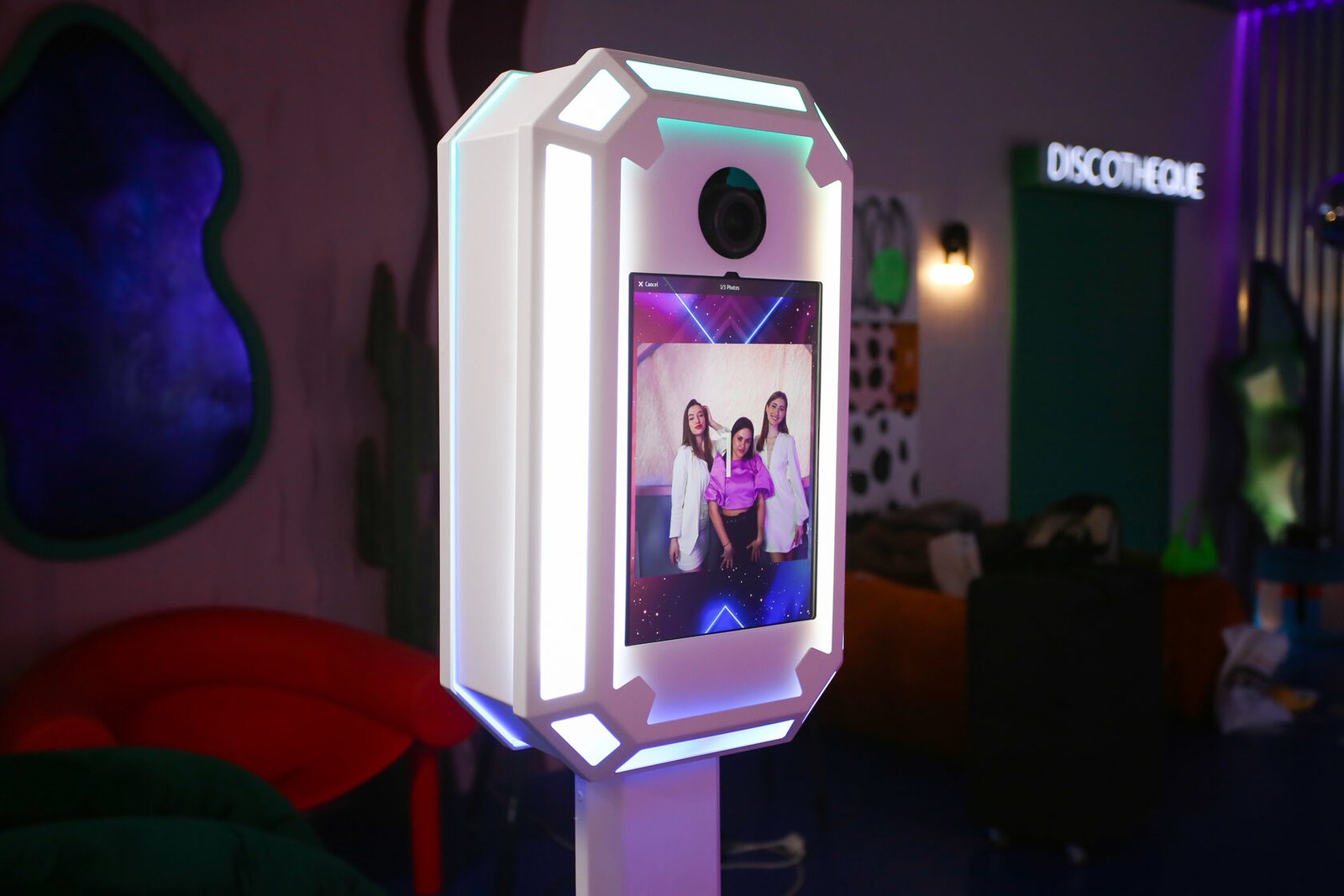
- Photo boothPhoto, video, templates, printing and guest delivery.
- Spinner 360Video workflows for a confirmed rotating-platform configuration.
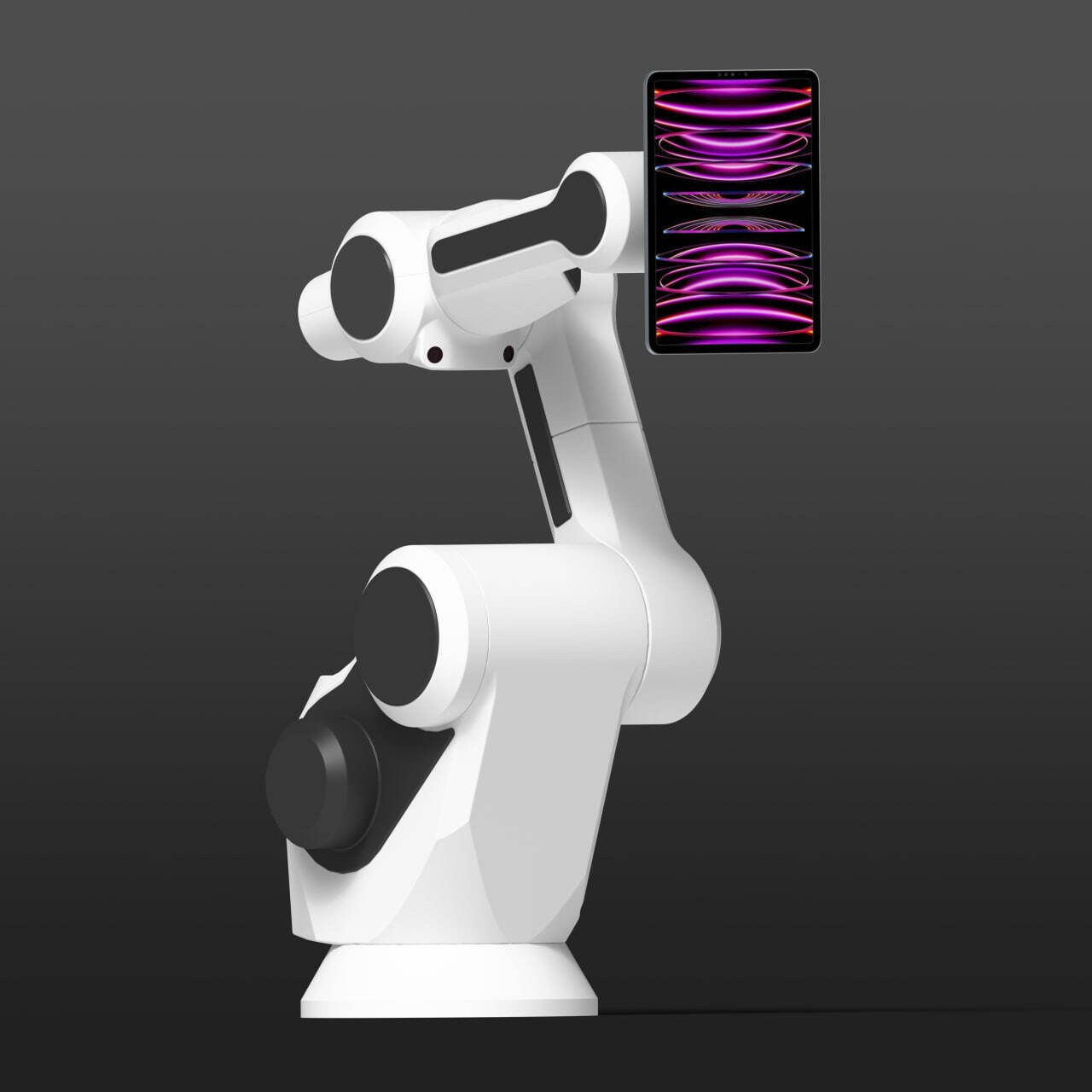
- GlamBotRun saved movement scenes in a compatible robotic workflow.
Construction
The tools stay inside the project instead of separate utilities.
The interface connects template authoring, camera capture, processing, printing and delivery.
- TemplatesBackgrounds, transparent PNGs, overlays, intro/outro and music.
- EditingCrop, reverse, transitions, colour correction and render settings.
- Chroma keyConfigure background replacement inside the selected workflow.
- AI workflowsAvailability depends on an external processor, its account and internet access.
Workflow
Build the project, capture the guest, deliver the result.
Each stage remains available through the guest and administrative operating modes.
Create the project
Import or assemble templates and event media.
Configure capture
Validate the camera, orientation and selected mode.
Process
Apply prepared effects, backgrounds and render settings.
Deliver
Print, email or place the file in a local queue.
Confirmed data
MixUp Software system requirements
Requirements scale with project complexity; this is the confirmed compatibility boundary.
| Operating system | Windows 10 or Windows 11 |
|---|---|
| Processor | Intel N100/N150; 8th-generation or newer Intel Core i5/i7; AMD Ryzen 5/7 |
| Memory | 8 GB DDR4 minimum; 16 GB recommended |
| Graphics | Intel UHD/Iris Xe for basic work; GeForce GTX 1050 or better for demanding workflows |
| Storage | About 700–800 MB for the app and up to 15 GB for working content |
| Windows devices | Surface Pro 7, 7+, 8, 9, 10; CHUWI 12.9 with Intel N100/N150 |
| Cameras | Webcams; DSLR and GoPro through a compatible video capture device |
MixUp does not run on iPadOS, Android or Snapdragon devices. AI workflows depend on an external processor and internet access.
In detail
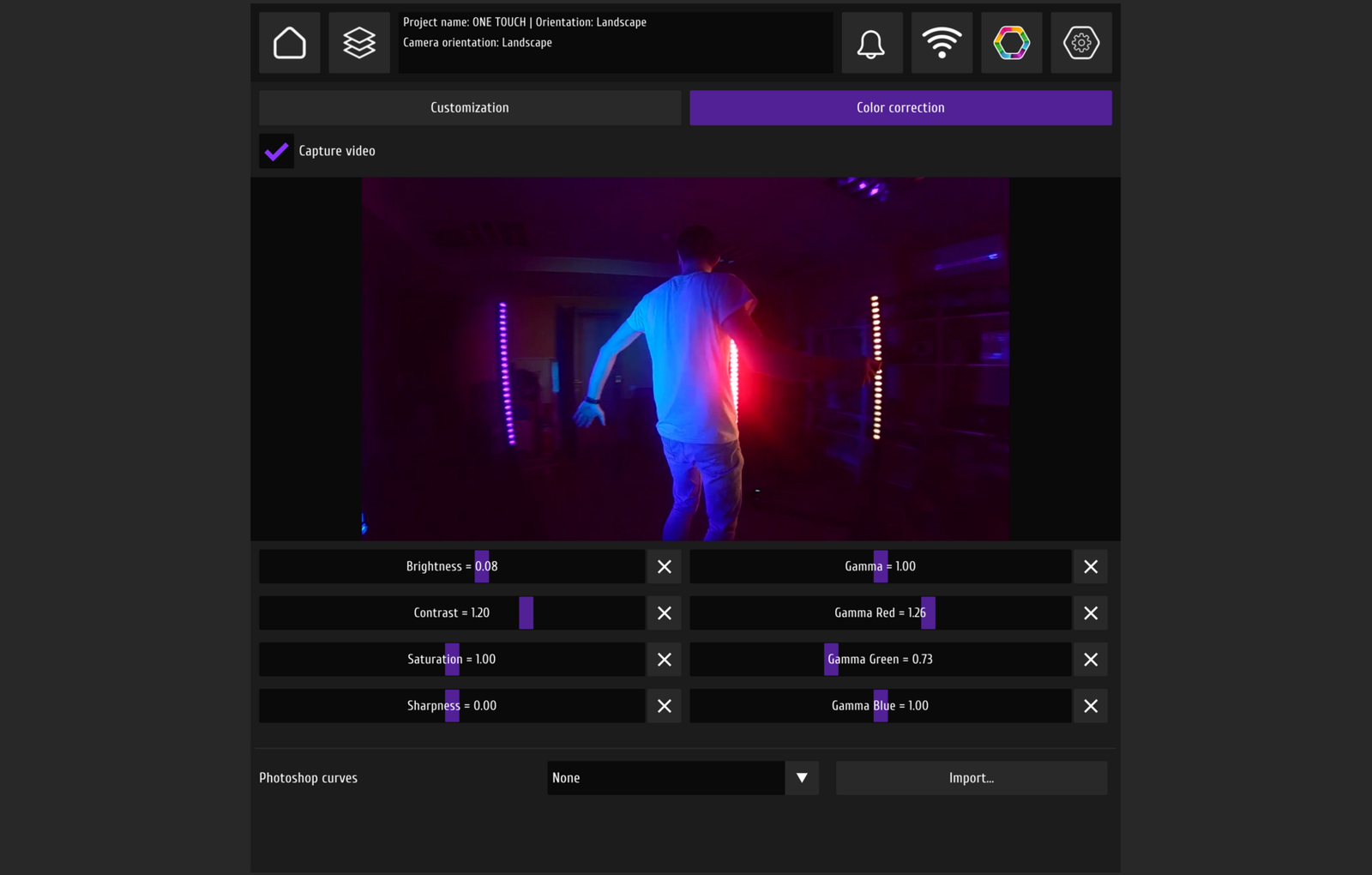
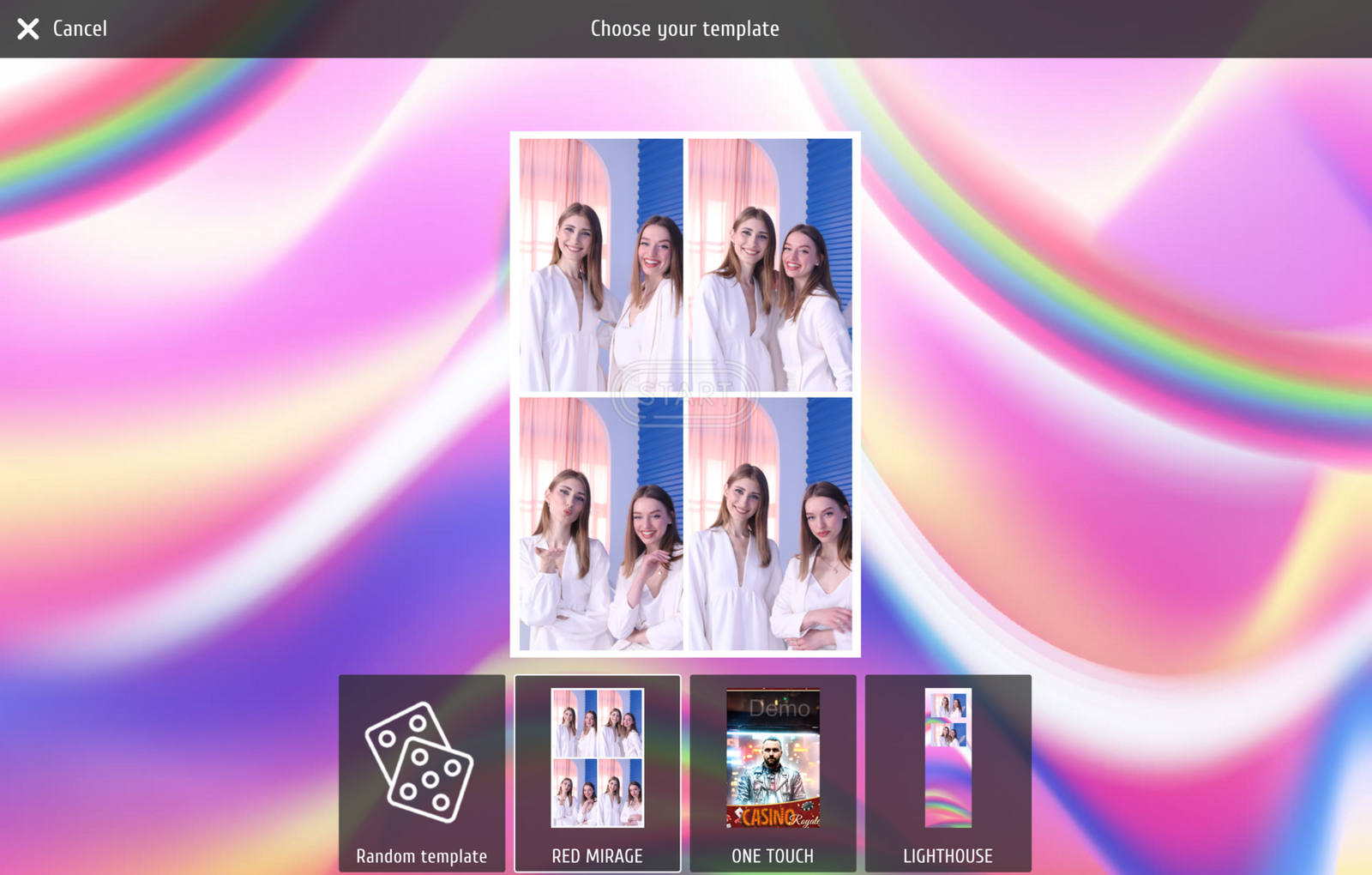
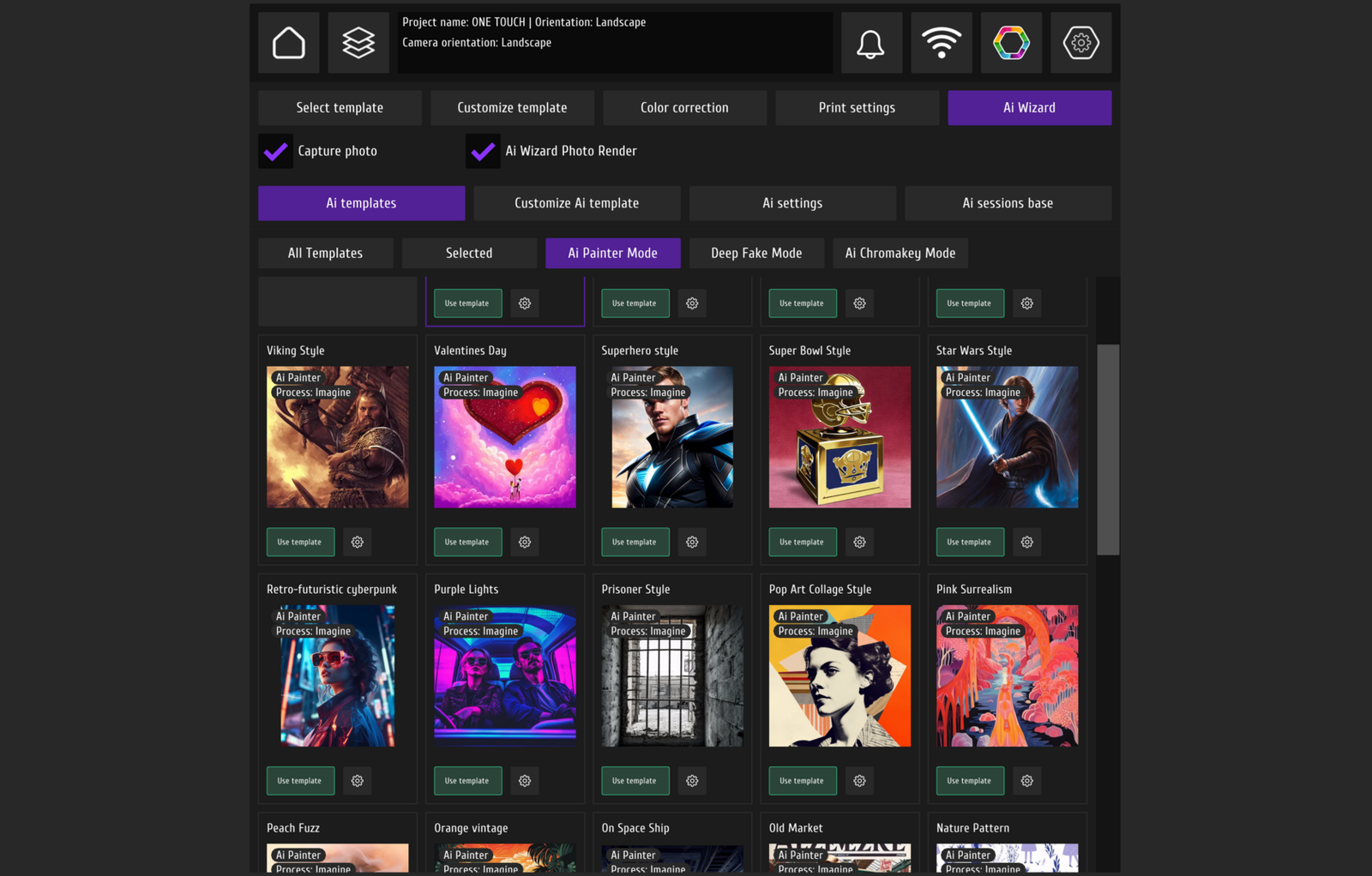
Inside the MixUp interface
Three working states: video controls, the AI template library and photo templates.

FAQ
Before installing MixUp
Validate the complete workstation, not only the Windows version.
What are the system requirements?+
Use Windows 10 or 11, a compatible processor, at least 8 GB DDR4 and enough space for the app and working content. More complex projects need stronger graphics.
Which cameras are supported?+
Webcams are confirmed. A DSLR or GoPro connects through a compatible video capture device; validate the exact model first.
Does MixUp need the internet?+
Local capture can work without a permanent connection. Activation, updates, external delivery and AI features you use require internet access.
How does printing work?+
MixUp prints through an installed driver using the prepared template. Validate the exact printer separately.
Can I create my own templates?+
Yes. Projects support custom backgrounds, transparent PNGs, overlays, intro/outro, music and other workflow elements.
Is a licence required?+
The full version requires a licence. Current demonstration terms are confirmed through the official contact channel; this page does not promise a fixed trial period.
DZEN TECH / MixUp Software
Build the next event workflow in MixUp.
Validate the workstation, download the current release and discuss licensing through an official DZEN TECH channel.