DZEN TECH / Spinner 360
Spinner 360 Video Platform for Dynamic Event Content
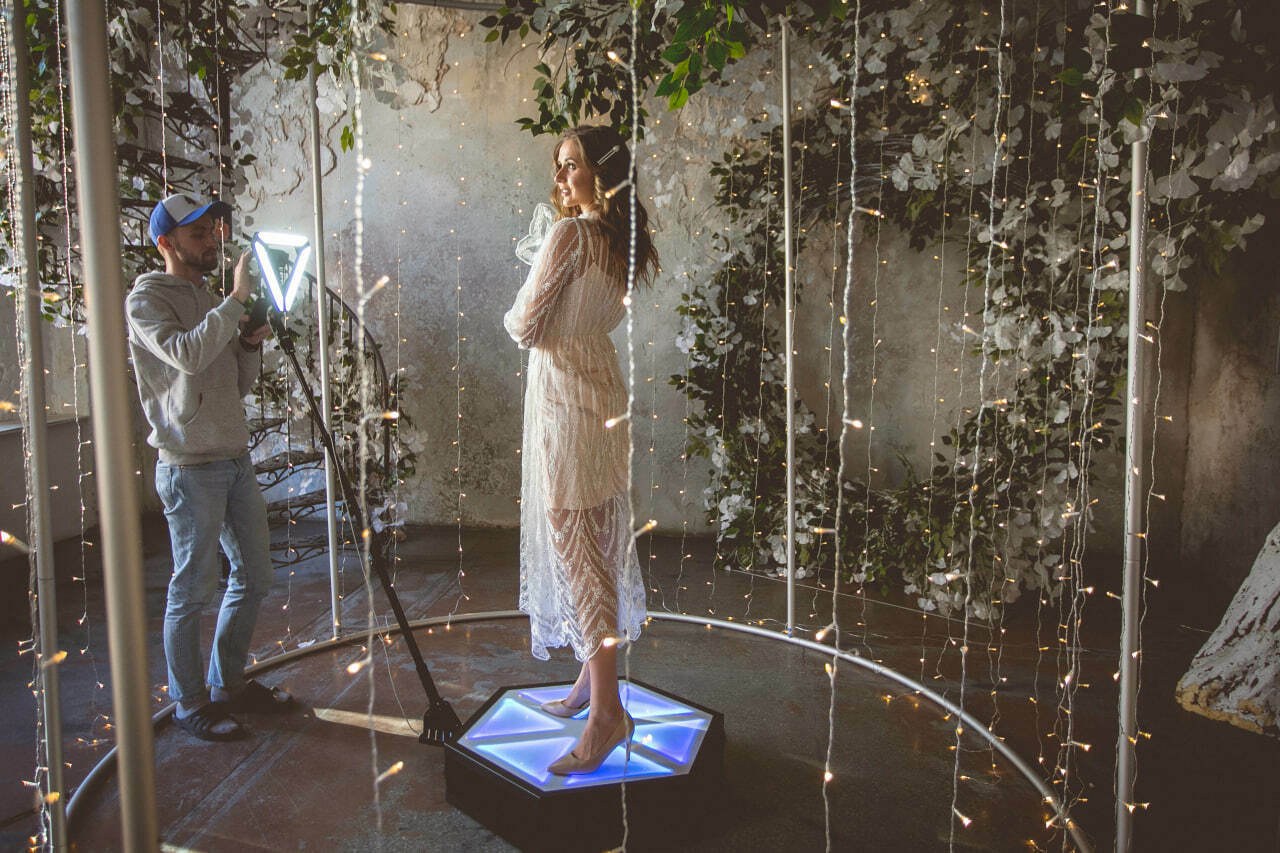
A rotating platform with a telescopic camera arm for 360 video, slow motion and branded event clips. Run it as a dedicated activation or connect it to a MixUp workflow.
On requestconfiguration confirmed before ordering
Capabilities
Camera movement becomes a controlled part of the scene.
Choose the platform, arm, camera and lighting around the real venue footprint.
Two platform formats
SP and SPL ranges are available with or without upper LED lighting.
Telescopic arm
The confirmed adjustment range is 55 to 153 cm.
Motion control
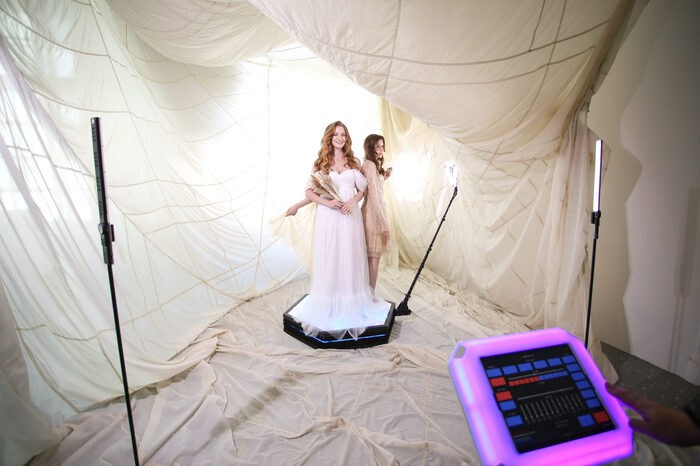
Start, stop, direction and speed follow the agreed control configuration.
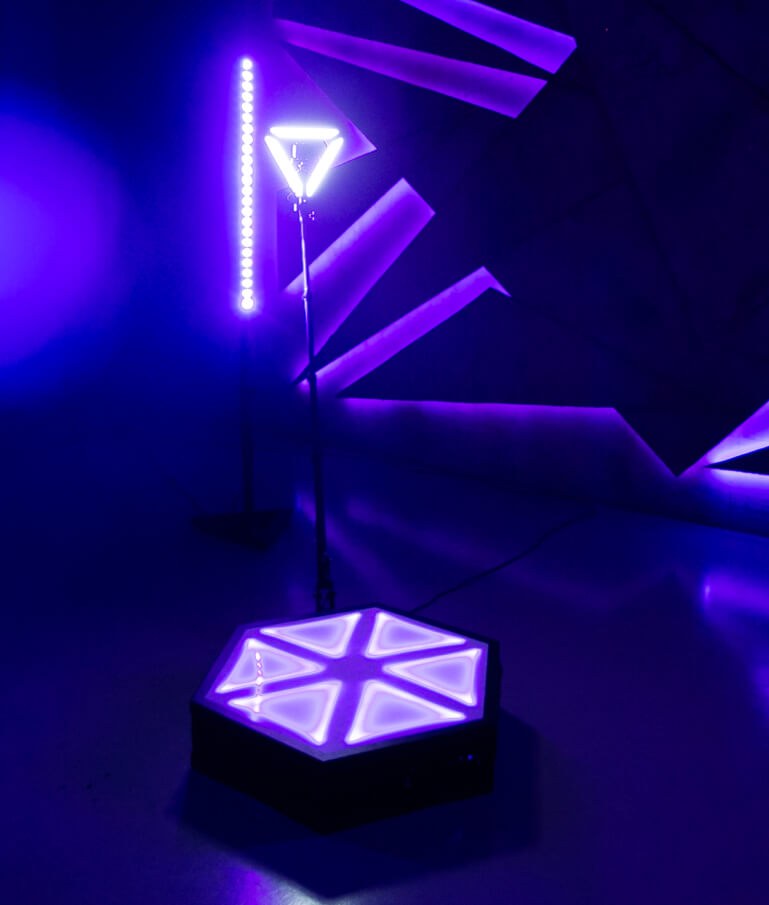
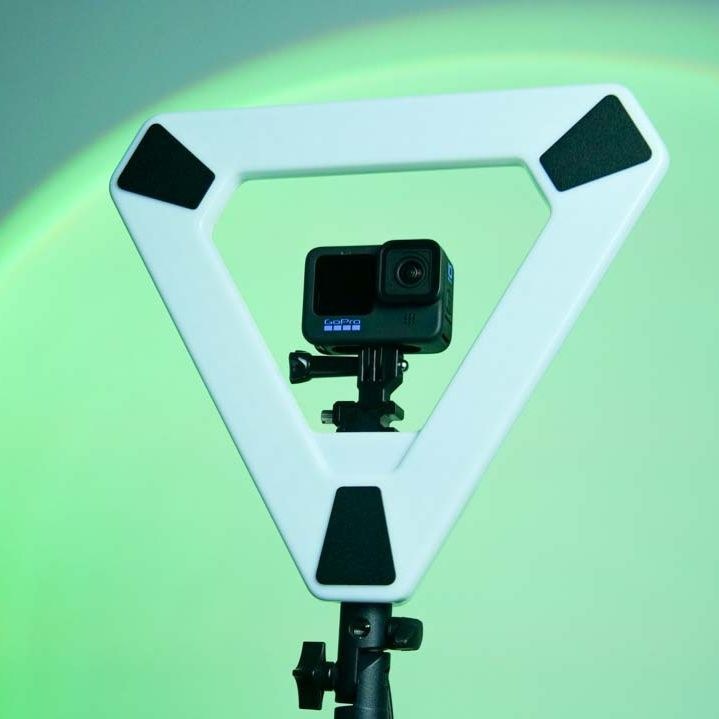
Triangle Light
Mount the light on the arm and use continuous or rotation-triggered mode.
The result
The camera circles the scene while the subject stays at its centre.
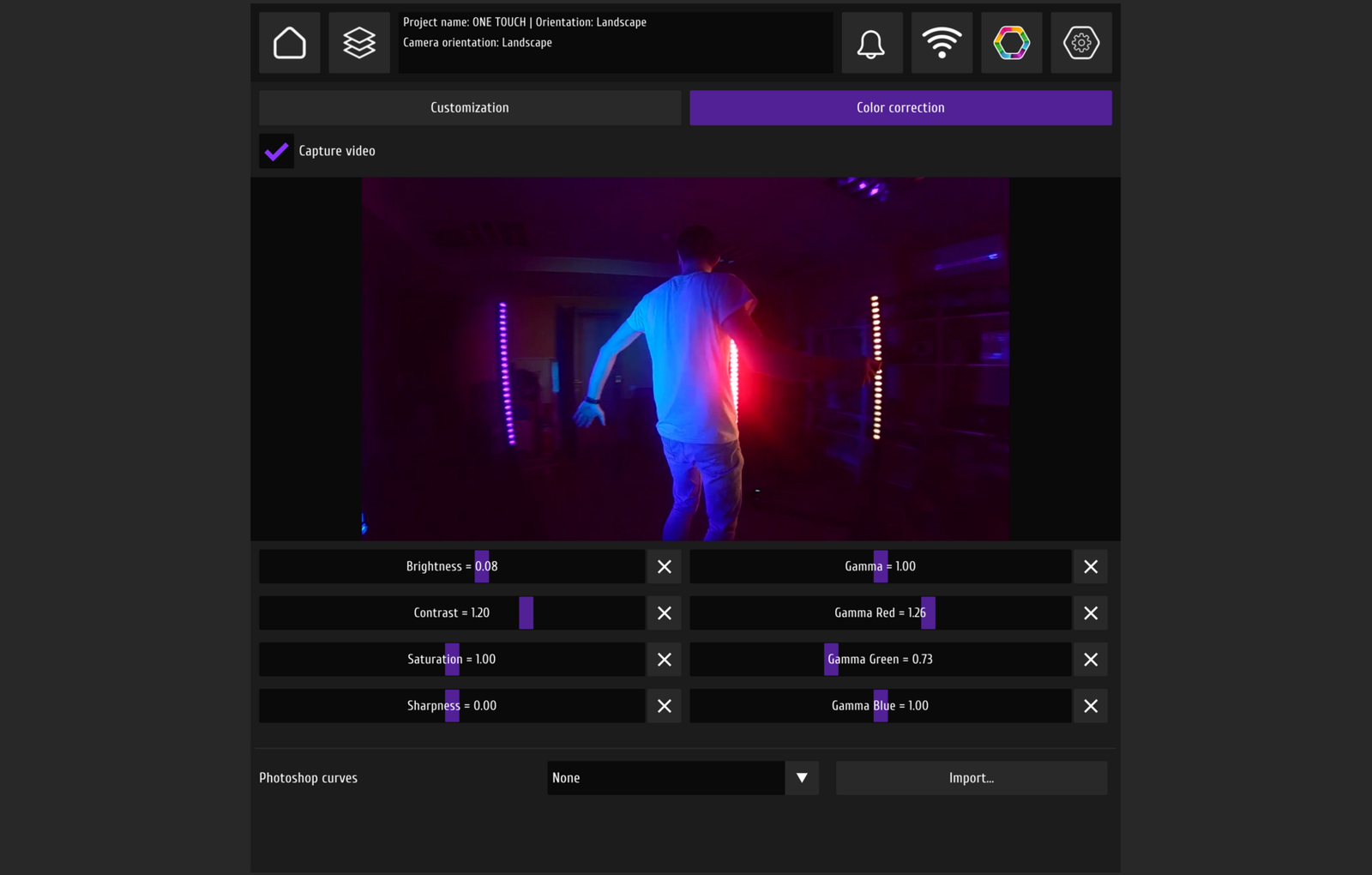
The workflow can produce 360 video, slow motion or a branded clip, depending on the camera and software configuration.
- 360 videoCircular camera movement around the central scene.
- Slow motionCapture and processing depend on the selected camera and software.
- Branded clipEvent graphics are applied inside the software workflow.
Construction
Platform, arm and light form one working axis.
The camera mounts on the adjustable arm, wiring runs below the platform and the base version follows the venue.
- SP and SPLTwo platform sizes are available with or without upper RGB lighting.
- Camera positionAdjust the arm length and secure the selected angle.
- ConnectionCurrent platforms support Bluetooth with backup USB.
- Clear motion areaCheck a level surface and free space around the moving arm.
Workflow
Prepare the venue before starting motion.
A repeatable result begins with installation and a clear operating area.
Clear the area
Choose a level surface and keep the arm path unobstructed.
Mount the camera
Set the arm length, angle and compatible holder.
Connect the system
Check power, controls and any additional lighting.
Run capture
A trained operator controls motion and the clear zone.
Confirmed data
Confirmed Spinner 360 versions
Maximum load and guest capacity remain unpublished pending separate safety approval.
| SP | 86 × 75 × 18 cm packed; 32.8 kg packed weight |
|---|---|
| SP-LED | 86 × 75 × 18 cm packed; 37 kg packed weight |
| SPL | 116 × 110 × 18 cm packed; 55 kg packed weight |
| SPL-LED | 116 × 110 × 18 cm packed; 59 kg packed weight |
| Arm | 55–153 cm range |
| Electrical | 100–230 V, 50–60 Hz; 50–150 W depending on version |
| Environment | +2 to +40 °C, up to 85% humidity, level surface |
| Working area | Approximately 3.5–4 m² |
Maximum load and guest capacity are not published. A trained operator must keep the arm path clear.
In detail
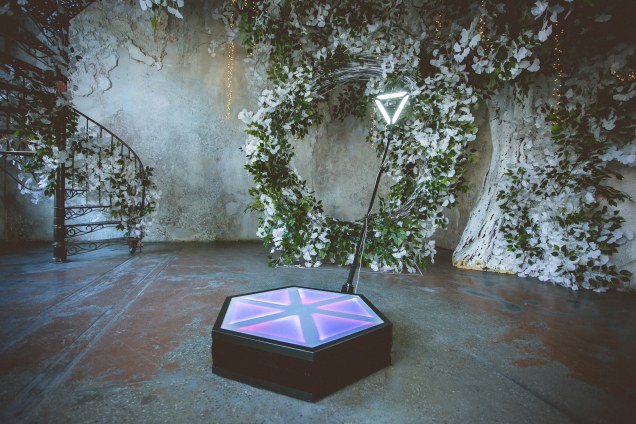
Spinner 360 camera and light
An overall view and a closer look at the adjustable camera mounting point.
FAQ
Before choosing Spinner 360
Select the size, camera and light together with the venue.
Which size should I choose?+
Choose SP or SPL around the available venue space and transport plan. Do not infer maximum load or guest capacity from platform size.
Which camera fits?+
Validate the camera and holder for the selected arm and software workflow. There is no universal public camera list.
What is included?+
Current contents depend on SP, SPL, SP-LED or SPL-LED and are confirmed for the order.
How does emergency stopping work?+
The operator must have access to the confirmed stop control and keep the motion area clear. The exact arrangement depends on platform revision.
Do I need Triangle Light?+
Not for every scene. It adds light to the moving arm and can run continuously or during rotation.
How much venue space is required?+
Use approximately 3.5–4 m² as a planning reference, then validate the real arm path and venue layout.
DZEN TECH / Spinner 360
Match Spinner 360 to the venue.
Confirm the platform size, camera, light, controls and clear operating area.