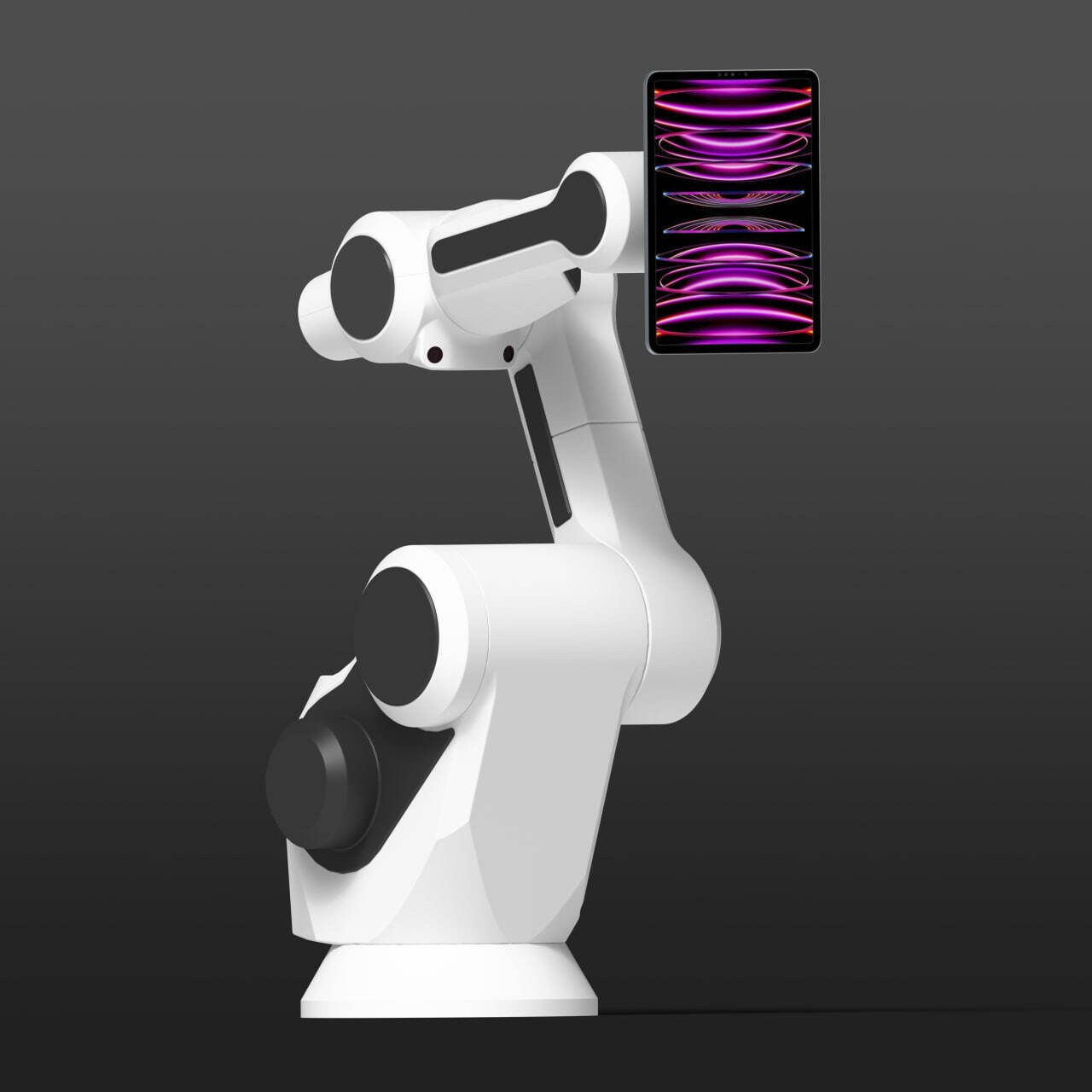
DZEN TECH / GlamBot
GlamBot Robotic Camera for Cinematic Event Video
A programmable robotic camera arm for repeatable dynamic moves at premieres, fashion events and branded activations, controlled through a compatible MixUp workflow.
On requestconfiguration confirmed before ordering
Capabilities
Save camera movement as a controlled scene.
Prepare a path once, then repeat it for the next guest after checking the working area.
Saved scenes
Create and run custom movement paths in a compatible workflow.
Several hardware mounts
Interfaces are available for a camera, GoPro and tablet.
USB-C on the arm
Axis four provides power and data for a validated device.
E-Stop and homing
Emergency stop and return-to-home are mandatory parts of operation.
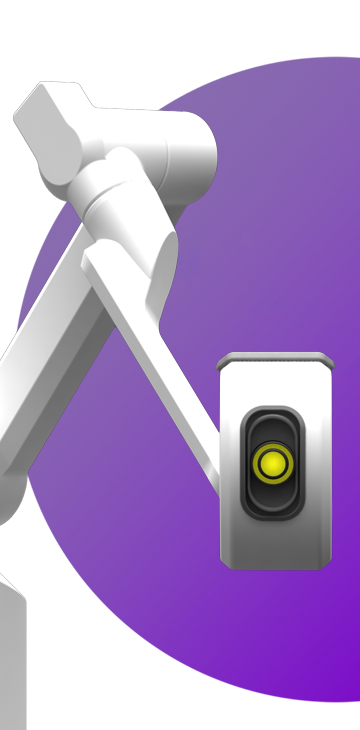
The result
Repeat the same composed camera move for every guest.
GlamBot helps reproduce a prepared shot while the operator controls the scene, camera mount and clear operating area.
- PremieresA short dynamic move with a prepared composition.
- FashionA repeatable path across a series of guests or looks.
- Branded activationsConnect the movement scene to event graphics and delivery.
Construction
Design the camera, cables and safety around the movement.
Select the mount and Type-C path before authoring the scene so every cable keeps enough movement slack.
- Device mountsTablet/iPad, 1/4-inch camera and GoPro are separate hardware interfaces.
- Cable pathSecure cables with enough slack for the intended movement.
- E-StopKeep the emergency stop accessible to the operator.
- HomingReturn the system home after power-up and after an E-Stop.
Workflow
Establish the safe area before moving the camera.
A software scene never replaces physical inspection of the equipment and space.
Control the perimeter
Restrict the motion area and keep the E-Stop accessible.
Mount the device
Inspect the holder, cables and unobstructed axis movement.
Complete homing
Return the system home and test the path without a guest.
Run the scene
A trained operator monitors the guest and motion until stop.
Confirmed data
Confirmed GlamBot interfaces
Public dimensions, permitted load and transport specifications remain closed pending engineering verification.
| Tablet holder | Tablet / iPad |
|---|---|
| Camera mount | 1/4-inch thread |
| Action-camera mount | GoPro adapter |
| Axis-four interface | USB-C power and data |
| Control | Current MixUp Software and custom scenes |
| Safety workflow | E-Stop, homing, mount inspection and controlled perimeter |
A trained operator must control GlamBot. E-Stop hardware, physical safeguards and a clear movement area are mandatory; the app does not replace them.
In detail
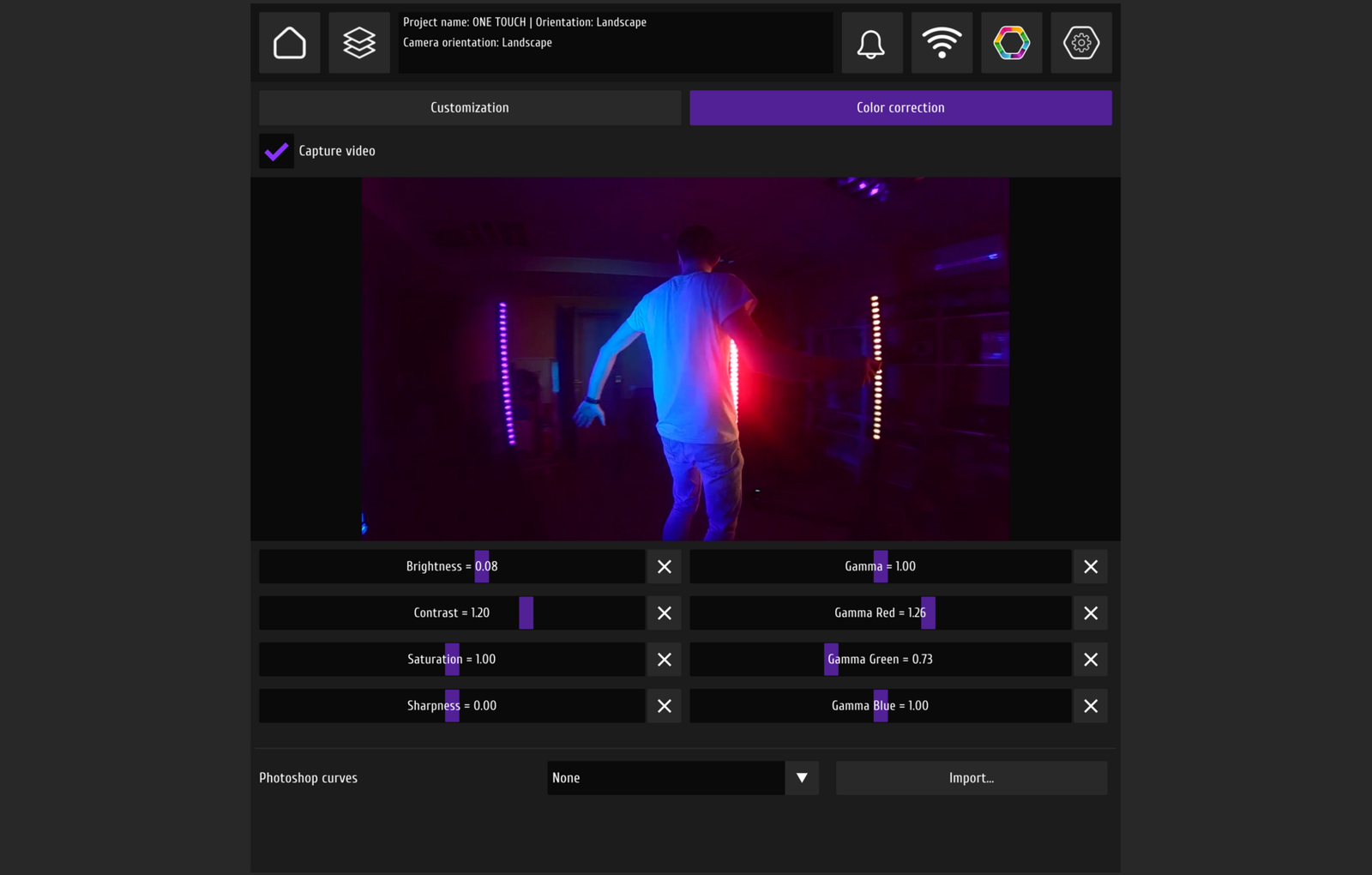
GlamBot and its working interface
The robotic camera and control device are shown as one operator-controlled zone.
FAQ
Before preparing a GlamBot scene
Validate the camera and movement together with physical safety.
Which cameras can be mounted?+
Hardware interfaces are available for a tablet/iPad, a camera with a 1/4-inch thread and GoPro. Validate the exact device, mount and cabling together.
How are movements created?+
The operator prepares and saves a custom scene in a compatible MixUp workflow, then tests it without a guest.
How much space is required?+
Use a controlled perimeter with clearance for the complete path. Public zone dimensions are not claimed and are defined for the selected scene.
What happens after an E-Stop?+
Resolve the reason for the stop, inspect the area and complete homing according to the guide before resuming.
Who should operate GlamBot?+
A trained operator who checks the mount, cables, E-Stop, homing and clear motion area before every scene.
DZEN TECH / GlamBot
Prepare a camera move you can repeat with control.
Confirm the camera, mount, cable path, MixUp scene and safe operating area together.