DZEN TECH / Printr
Printr Stand for Photo Printing and Guest Delivery
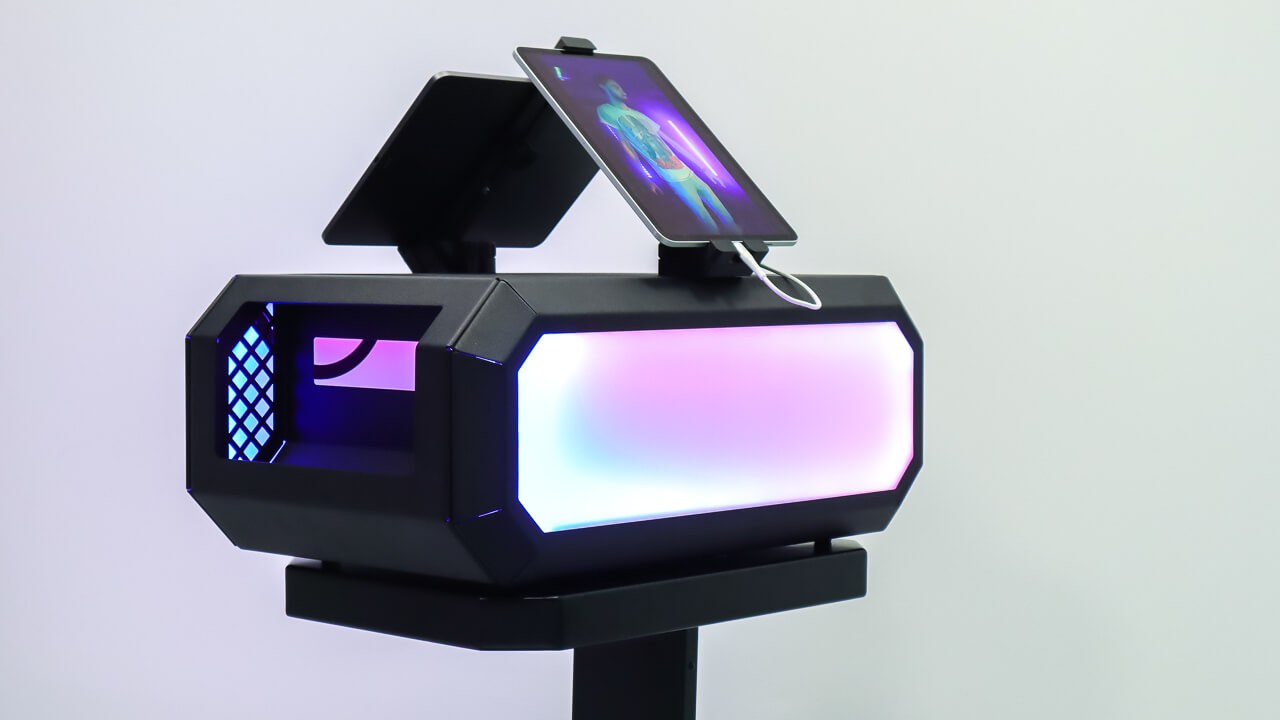
A clean standalone enclosure for a photo printer, cabling and consumables, designed to complete a photo-booth printing area.
On requestconfiguration confirmed before ordering
Capabilities
Give printing a deliberate place in the event zone.
Printr moves technical equipment out of the visual foreground and aligns the printer with the booth area.
DNP DS620
A confirmed printer model in the current compatibility source.
Three Mitsubishi models
CP-K60DW, CP-D70DW and CP-D80DW are confirmed.
Standalone enclosure
The printer and cabling do not dominate the guest-facing composition.
Alternative-model check
Validate dimensions, ventilation and service access before ordering.
The result
Guests collect a print from a composed area, not a temporary table.
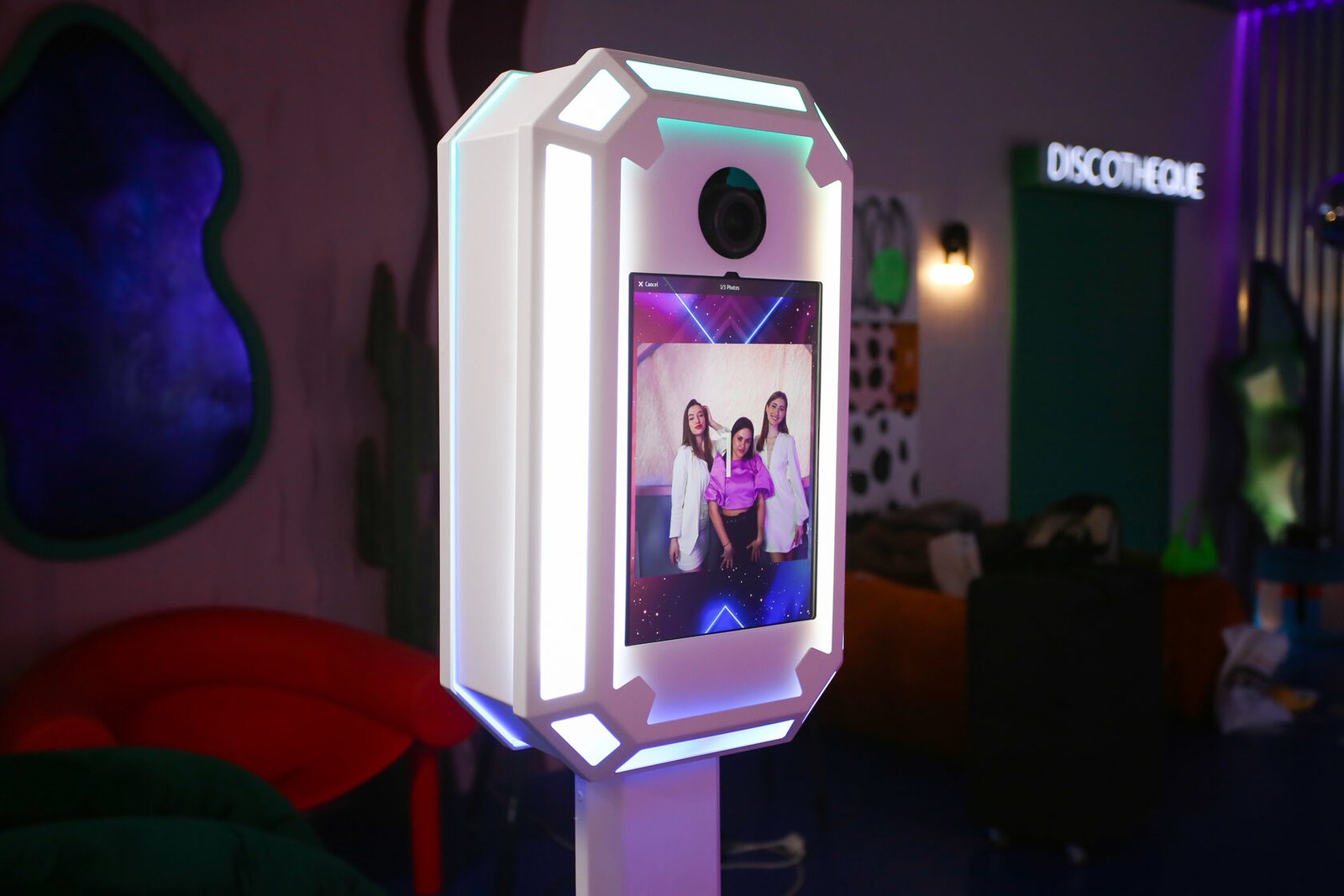
Place Printr beside the booth as a dedicated print and delivery point while keeping the technical equipment inside its enclosure.
- Booth printingComplete a MixUp area with a confirmed photo printer.
- Print stationKeep the operator print workflow beside the guest path.
- Result deliveryGive finished prints one clear collection point.
Construction
Printer compatibility is more than external dimensions.
For another model, check cable exits, paper access, ventilation and service clearance.
- External dimensionsThe printer must fit the real working volume of the enclosure.
- VentilationClearances follow the requirements of the exact printer model.
- ConnectionsCable exits must remain accessible in the assembled station.
- Service accessValidate paper, consumables and maintenance before confirming the setup.
Workflow
Choose the printer before finalising the enclosure.
Model-specific checks prevent a nominal fit from becoming an impractical event workflow.
Select the printer
Use a confirmed model or submit another model for validation.
Check installation
Compare dimensions, ventilation, paper and service access.
Plan connections
Define cable exits and the connection to the booth.
Place the station
Coordinate guest flow, operator access and print collection.
Confirmed data
Confirmed printer models
An unlisted model is not considered compatible until it has been checked.
| DNP | DS620 |
|---|---|
| Mitsubishi | CP-K60DW |
| Mitsubishi | CP-D70DW |
| Mitsubishi | CP-D80DW |
| Another printer | Validate dimensions, cable exits, paper access and ventilation |
Printr dimensions, materials, ventilation clearances and current package contents remain unpublished until the current revision is confirmed.
In detail
Printr from the guest and operator sides
Wide and portrait sources keep their full proportions inside the matte media stage.
FAQ
Before installing the printer
Compatibility must include printing, cooling and maintenance in real operation.
Which printers fit Printr?+
DNP DS620 and Mitsubishi CP-K60DW, CP-D70DW and CP-D80DW are confirmed.
Can you check another model?+
Yes. Provide its external dimensions, cable exits, paper access, ventilation and service-clearance requirements.
How does Printr connect to the booth?+
The connection depends on the printer, workstation and software. Confirm it with the complete configuration.
Can the operator reach consumables during an event?+
Paper and consumable access is validated for the exact printer and current enclosure revision before ordering.
Is the printer included?+
Current package contents are confirmed separately. The Printr name itself does not promise an included printer.
DZEN TECH / Printr
Make printing part of the complete event zone.
Share the printer model so its installation, connections, ventilation and operator access can be validated.