
DZEN TECH / MixUp Mini
Compact MixUp Mini Photo Booth for iPad and Surface
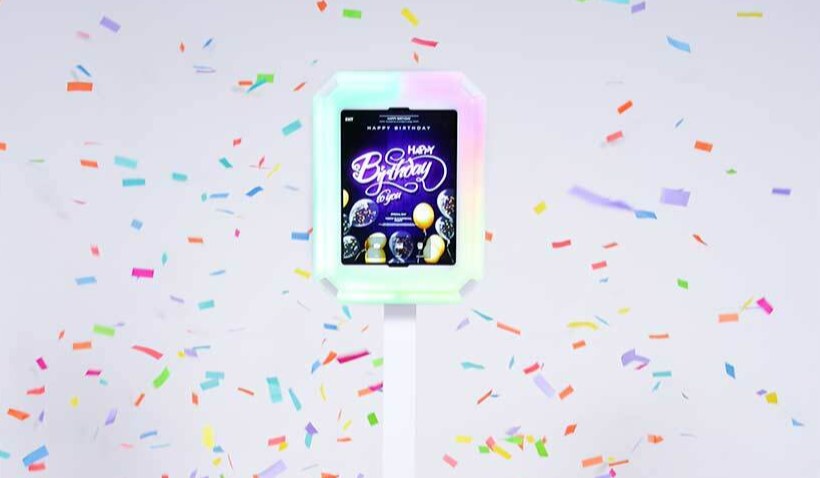
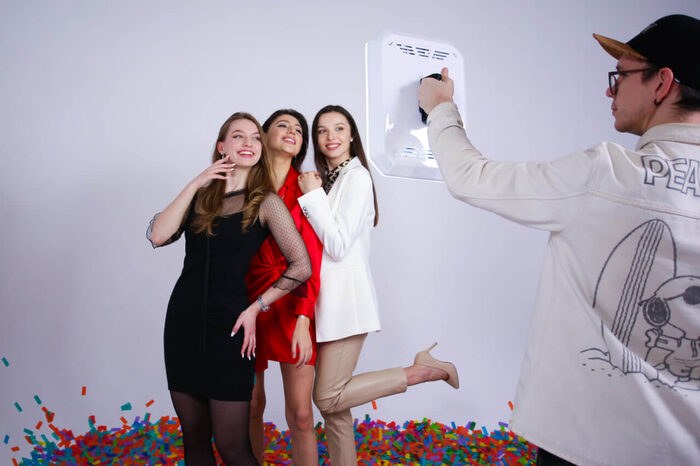
A compact event booth for activations, roaming and sharing workflows. Use the same head in portrait or landscape, on the stand, handheld, wall-mounted or as a guest sharing station.
On requestconfiguration confirmed before ordering
Capabilities
One head changes role with the event.
Mini keeps a recognisable physical form when a project needs mobility or a smaller footprint.
Four working modes
Stand, handheld/roaming, wall-mounted and sharing station.
Two orientations
Choose portrait or landscape for the frame and interface.
Lighting inside
White and RGB light are built into the booth head.
Surface or iPad
Select the faceplate and software workflow together.

The result
Mini works where a full-size booth zone is unnecessary.
Run it as a compact capture point, move through the venue with an operator, or give guests a separate screen for viewing and delivery.
- StandA compact standalone photo or video station.
- RoamingAn operator carries the booth head through the event.
- SharingA separate station for viewing and sending results.
Construction
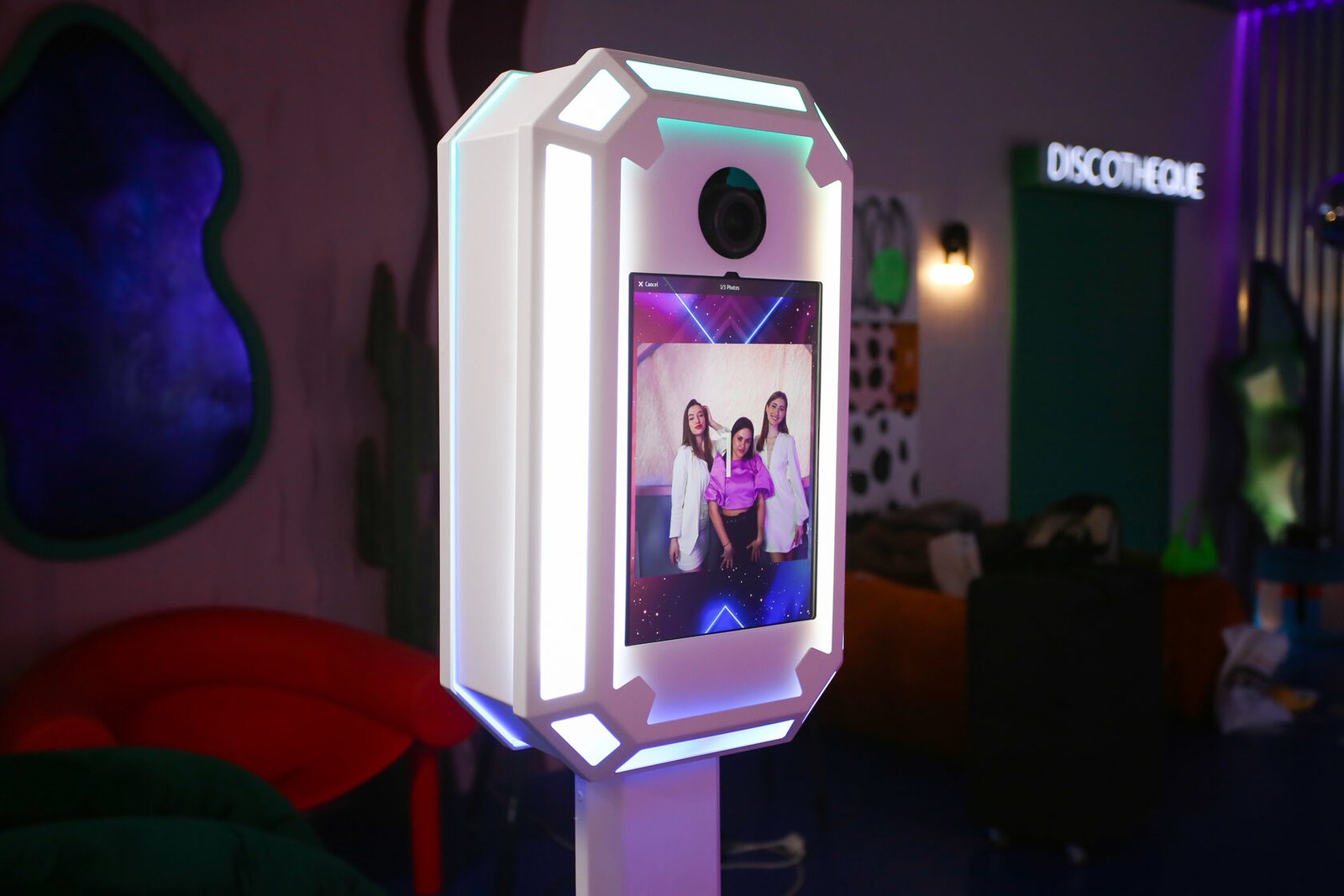
Display, light and mounts share one compact head.
Hand screws secure the faceplate, cabling follows the enclosure, and orientation changes with the use case.
- Tool-free assemblyThe confirmed assembly takes up to five minutes.
- Device-specific faceplateMatch the faceplate to the selected Surface, iPad or CHUWI.
- External powerThe enclosure has space for external power banks; runtime depends on the complete setup.
- Two lighting systemsRGB and white light follow the selected device and software configuration.
Workflow
Choose the device, orientation and working mode.
Mini is configured around the exact tablet and its job at the venue.
Select the tablet
Confirm the device model and matching faceplate.
Define the role
Stand, roaming, wall or sharing determines how it is installed.
Set orientation
Choose portrait or landscape for the interface and shot.
Plan power
Validate power for the device, lighting and external batteries.
Confirmed data
Confirmed MixUp Mini devices
Compatibility applies to the listed generations and the matching faceplate.
| Surface | Pro 7, 7+, 8 and 9 |
|---|---|
| iPad Pro 12.9 | Generations 3–6 |
| iPad Pro 11 | Generations 1–4 |
| Other tablets | 2022 iPad 10.9; CHUWI Max 12.9 with Intel N100 or N150 |
| Windows software | MixUp Software |
| iPad software | Snappic or another compatible iPad application |
| Lighting power | USB-C, 15 V / 3 A |
Actual off-grid runtime depends on the batteries, brightness and device. Do not power and charge Mini at the same time.
In detail
MixUp Mini in a compact installation
The square source remains fully visible above a quiet matte backdrop instead of being cropped to the frame.
FAQ
Before choosing MixUp Mini
The faceplate, application and power plan are validated together.
Which tablets fit?+
Surface Pro 7, 7+, 8 and 9; the listed iPad Pro generations, 2022 iPad 10.9 and CHUWI Max 12.9 with Intel N100 or N150 are confirmed.
Does MixUp Software run on iPad?+
No. MixUp Software is Windows-only. An iPad requires Snappic or another compatible iPad application.
Which installation modes are available?+
Use Mini on its stand, handheld for roaming, mounted on a wall or as a sharing station.
Can it work away from an outlet?+
The enclosure provides space for external power banks. Runtime depends on the selected power source, brightness and device and is not promised here.
How is the lighting controlled?+
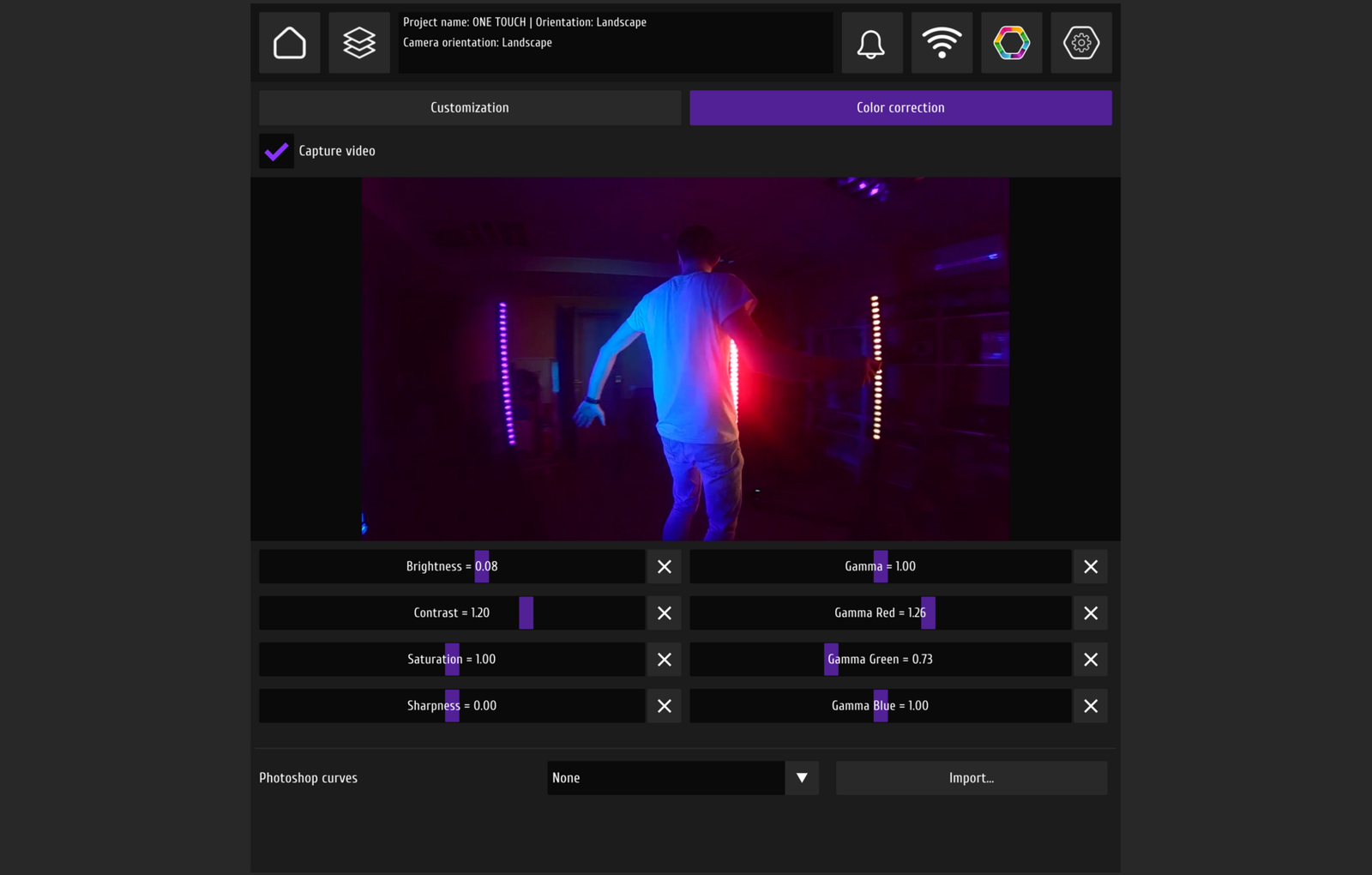
RGB works through a compatible LED app; white-light control depends on the selected configuration.
DZEN TECH / MixUp Mini
Shape Mini around the movement of your event.
Confirm the tablet, faceplate, orientation, installation and power plan without unverified assumptions.