DZEN TECH / Bullet Time
Modular Bullet Time Camera Array for Freeze-Motion Effects
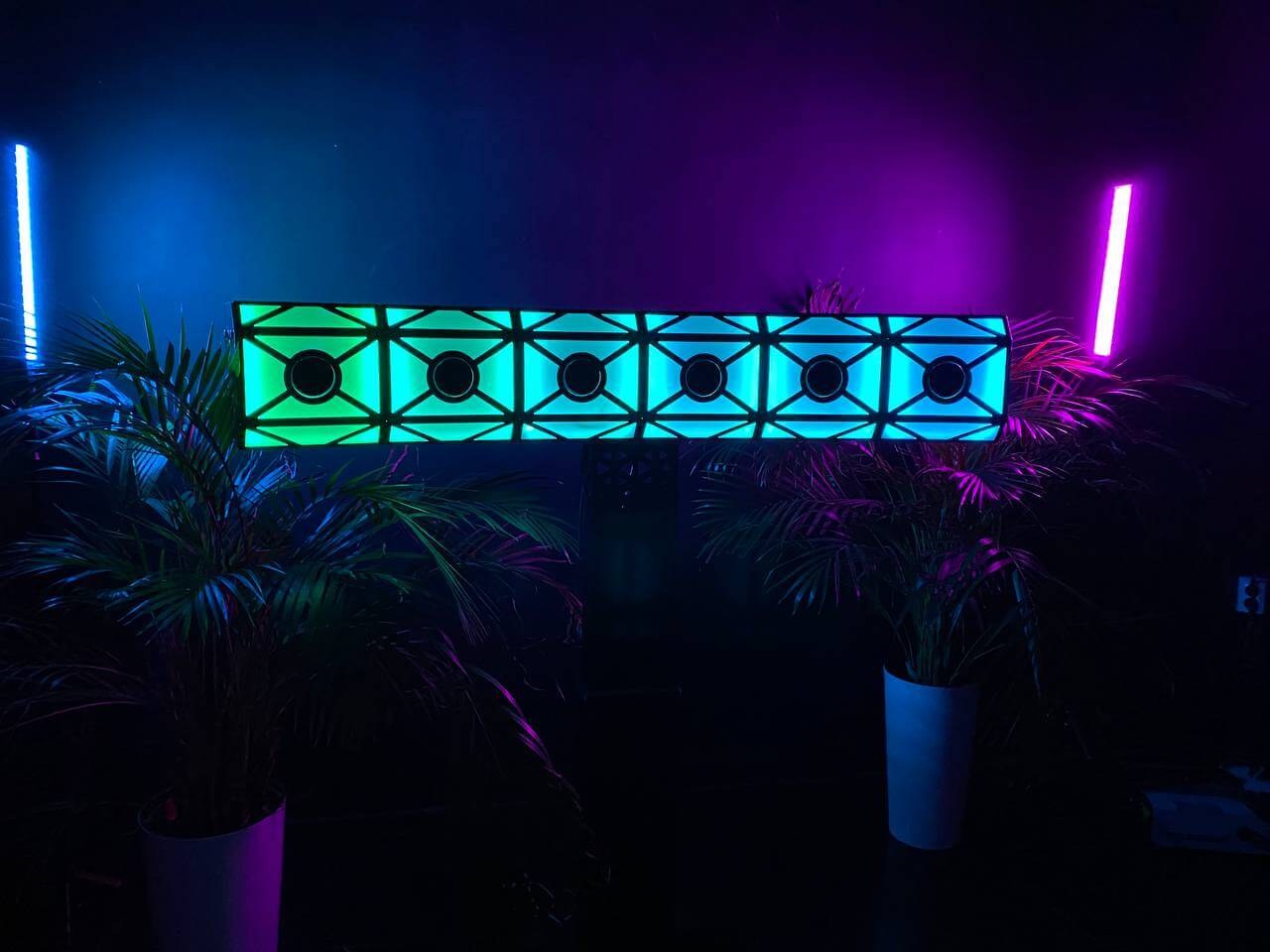
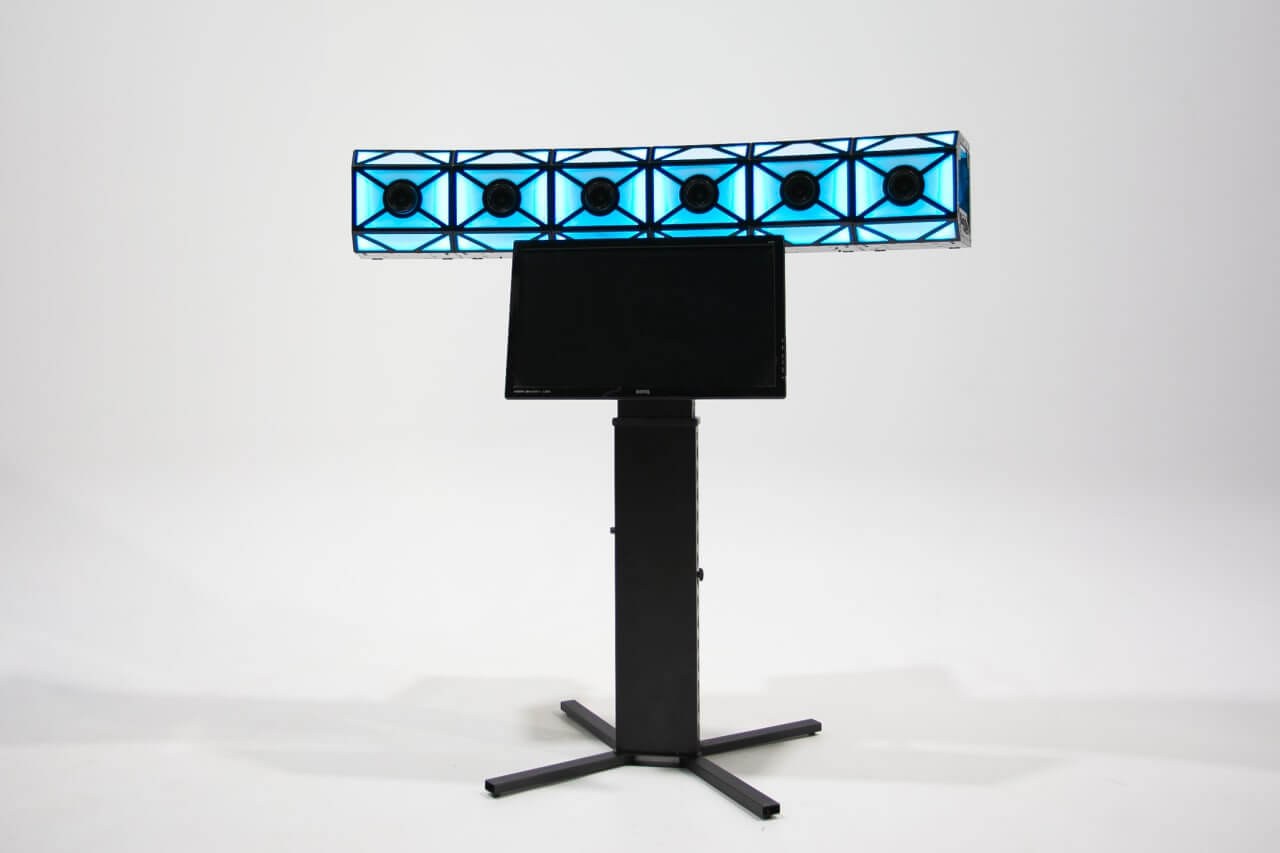
A synchronized multi-camera structure for bullet-time, boomerang and combined video sequences. Modular sections create the required array while cameras can remain protected inside the structure for transport.
On requestconfiguration confirmed before ordering
Capabilities
Capture one instant from several viewpoints at once.
The modular structure holds cameras in a coordinated position and brings them into one trigger circuit.
Modular sections
A standard section is designed for six cameras.
Cameras stay installed
Cameras can remain protected inside the structure during transport.
One trigger
A trigger controls a section of up to six cameras.
Power and USB
The working circuit uses 110/220 V and USB 2.0 Type-A.
The result
Freeze motion is built from synchronized viewpoints.
The selected software stack can create bullet-time, boomerang or combined sequences. Output format follows the complete configuration.
- Bullet timeMove around a moment captured by the synchronized array.
- BoomerangCreate a short repeating sequence from coordinated frames.
- Combined sequenceJoin the multi-camera moment with other elements of the final clip.
Construction
Cameras, trigger and cabling form a modular line.
Sections extend the system geometry without redesigning every camera mounting point.
- Six cameras per sectionThe current commercial array is confirmed separately.
- Confirmed Canon models1100D, 1200D, 1300D and 2000D with compatible power.
- SynchronizationThe trigger and cable circuit connect the cameras in a section.
- Protected transportCameras can stay in the structure; calibration before capture is still mandatory.
Workflow
Install, calibrate, capture and assemble the result.
Modularity reduces repeated mechanical setup but never removes the camera check.
Build the array
Connect the approved number of sections and inspect the mounts.
Validate cameras
Connect power and confirm that every camera is available.
Calibrate
Align camera viewpoint and orientation according to the guide.
Capture and process
Trigger synchronized capture and process it in the selected software.
Confirmed data
Confirmed Bullet Time foundation
The currently sold camera count, dimensions and package are agreed for the individual project.
| Standard section | 6 cameras |
|---|---|
| Cameras | Canon 1100D, 1200D, 1300D and 2000D |
| Trigger | Up to 6 cameras per section |
| Interface | USB 2.0 Type-A |
| Power | 110/220 V |
| Software | Selected for the camera count and workflow |
Confirm the exact camera count, dimensions, package contents and software for the current configuration. Calibration is required after installation.
In detail
The module and assembled system
A close view of the cameras inside a section and the installed array.
FAQ
Before designing a Bullet Time array
Camera count and workstation follow the required result.
How many cameras are required?+
The geometry and output format determine camera count. A standard section holds six cameras, while the current commercial array is confirmed separately.
Which cameras fit?+
Canon 1100D, 1200D, 1300D and 2000D with compatible power are confirmed.
Does the system need calibration?+
Yes. Check camera viewpoint and orientation before capture even when cameras remained inside the structure during transport.
How are sections transported?+
Cameras can remain protected inside the structure. Exact packing and contents are confirmed for the selected configuration.
Which software is supported?+
Select the software stack for the camera count and intended output; no universal bundle is claimed.
DZEN TECH / Bullet Time
Design the array around the required viewpoint.
Define the geometry, cameras, workstation and software workflow without unsupported numbers.